
Built for Individual LTC Homes and Hospitals
Master Healthcare Emergency Color Codes Reference Guide
What do the color codes mean?
Master Healthcare Emergency Color Codes Reference Guide
A standardized quick-reference hub for long-term care homes, hospitals, and clinical facilities. Standardized operational triggers, initial actions, and compliance guidelines.
Emergency Codes at a Glance
| Code Category | Emergency Event Trigger | Immediate Core Staff Action | Detailed Guide |
|---|---|---|---|
| Code Red | Fire or Smoke Discovery | Initiate R.E.A.C.T. protocol, pull alarm, and close all doors. | Read Playbook → |
| Code Yellow | Missing Resident / Patient | Perform 3-minute local check, page overhead, and deploy search grid. | Read Playbook → |
| Code Black | Bomb Threat / Suspicious Item | Complete phone threat log, conduct visual search, do not touch item. | Read Playbook → |
| Code Grey | Infrastructure / Utility Loss | Switch vital machines to red generator outlets and deploy downtime binders. | Read Playbook → |
| Code White | Violent / Aggressive Behavior | Activate response team, maintain distance, and apply de-escalation steps. | Read Playbook → |
| Code Blue | Medical Emergency / Cardiac Arrest | Page resuscitation team, retrieve crash cart, and initiate CPR. | Read Playbook → |
| Code Green | Evacuation (Precautionary/Crisis) | Move residents horizontally past fire doors or to safe exterior assembly zones. | Read Playbook → |
| Code Brown | Hazardous Chemical / Liquid Spill | Isolate area, restrict ventilation, and consult Safety Data Sheets (SDS). | Read Playbook → |
| Code Silver | Active Attacker / Armed Person | Execute Run, Hide, Fight protocol; notify 911 immediately. | Read Playbook → |
| Code Orange | External Disaster / Mass Influx | Activate command post, freeze non-essential discharges, prepare surge triage. | Read Playbook → |
Detailed Code Breakdown & Operational Guidelines
Code Red Fire Safety & Containment Protocol
Code Red designates an active fire, smoke detection, or thermal emergency. The primary objective is immediate life safety followed by compartment containment to prevent smoke migration through corridors.
- Core Action: Execute
R.E.A.C.T.(Remove residents, Enclose doors, Activate pull station, Call 911, Try extinguisher if safe). - Testing Mandate: Required monthly across all work shifts in long-term care settings.
Code Yellow Missing Resident Search Protocol
Activated immediately when a resident is unaccounted for after a brief 3-minute preliminary sweep. Methodical execution avoids duplicate searches and secures perimeter exits rapidly.
- Core Action: Incident Command issues overhead page, hands out floor plan clipboards, and delegates search pairs across Zones A–D.
- Testing Mandate: Annual functional drills and regular tabletop simulations.
Code Black Bomb Threat & Suspicious Package
Covers telephoned or written bomb threats and the discovery of unexpected, suspicious items. Designed to allow systematic searches without triggering panic among residents.
- Core Action: Complete the Telephone Threat Checklist; perform visual sweeps of assigned sectors; strictly adhere to the No-Touch package rule.
- Testing Mandate: Annual training and operational review.
Code Grey Infrastructure & Loss of Utilities
Manages disruptions to essential services including electrical power, municipal water supply, IT/eMAR systems, or heating and cooling plants.
- Core Action: Verify emergency diesel generator engagement; transfer critical life-support devices to red outlets; deploy paper downtime binders.
- Testing Mandate: Annual functional drill and generator load testing.
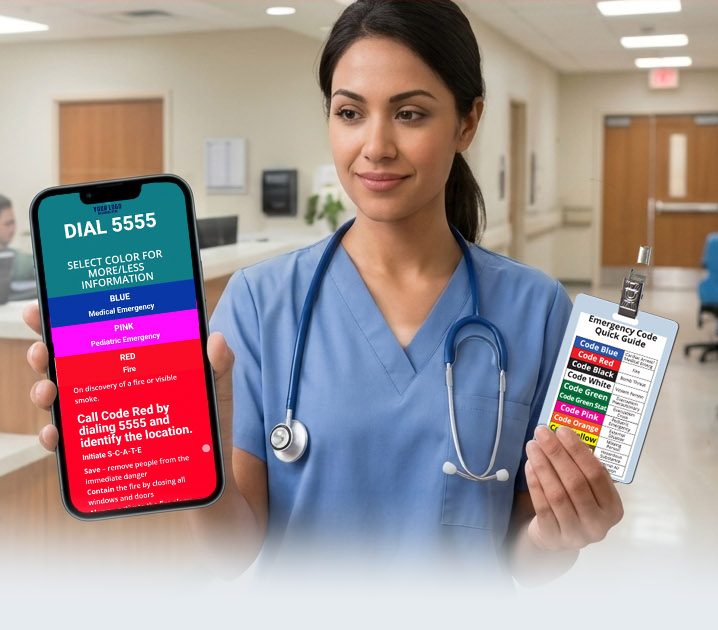
Master Healthcare Emergency Color Codes Reference Guide
What do the color codes mean?
Implementation in 3 Simple Steps

SITE MAPPING
Submit your code definitions, procedures and any other relevant information. We build and configure your custom PWA app for your approval. We also custom design your badge backers labels or entire info badges for your approval,
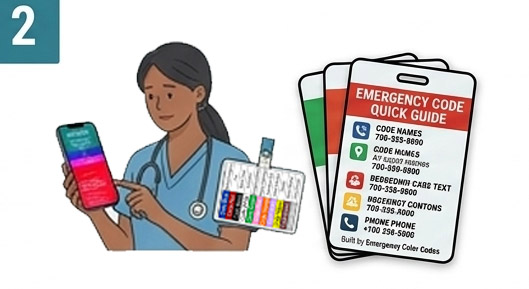
SOLUTION DELIVERY
After your approval, receive delivery of your custom badge backers and PWA app for your institution. Included is a implementation guide and designed station guides with QR code for installation.
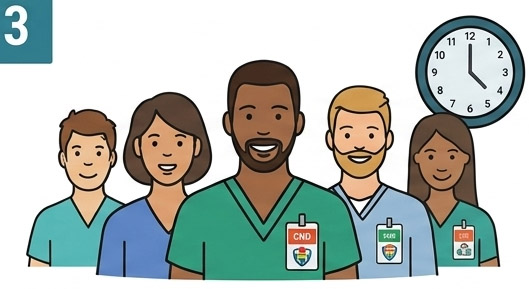
STAFF DISTRIBUTION
Hand out badges and explain PWA app at shift huddles. Staff can easily scan the QR code to be instantly audit ready. PWA app can also be installed via link on your intranet or via email.
Easy Setup.
How Staff Access.
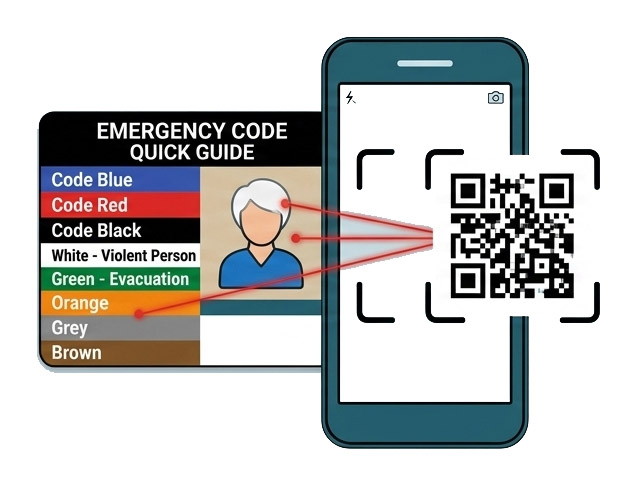
1. Scan
Scan provided QR codes or email links to easily access and install PWA app to device.
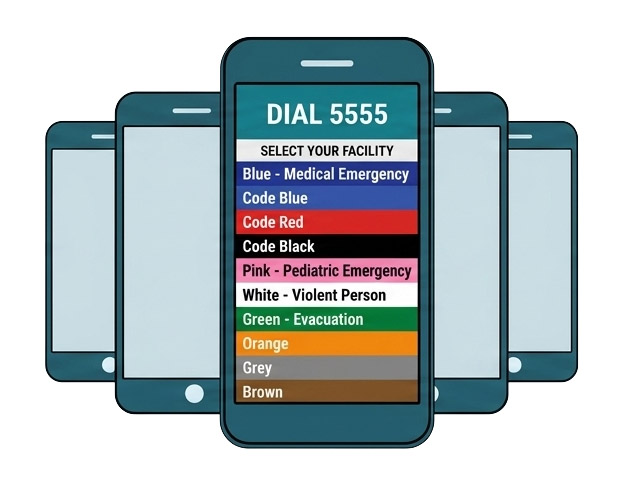
2. ACCESS
App opens instantly. Zero logins. Zero passwords
3. Offline
Works 100% offline.
Frequently Asked Questions
How are protocol changes handled after deployment?
Zero manual updates or re-installations are required from your team. When an administrator updates a code extension or protocol through our managed portal, changes are instantly deployed over the air. The next time staff devices connect to a network, the updated static assets sync automatically behind the scenes.
Is Mobile Device Management (MDM) or Intune required?
No. The solution is an offline-first Progressive Web App (PWA) that loads directly in any standard mobile browser via QR scan. It bypasses MDM provisioning entirely, requires zero app store downloads, requests zero device permissions, and works on both personal (BYOD) and facility-issued devices out of the box.
How do new hires and agency staff get oriented on day one?
Onboarding takes under 30 seconds. During shift huddles or orientation, new staff receive their physical badge backer and scan the QR code using their mobile camera. The app opens instantly without creating account profiles, signing up, or waiting for IT provisioning.
Does the PWA store any operational data or facility information on staff devices?
Only static, non-sensitive reference media (such as local code names and extension phone numbers) is cached locally via standard browser Service Workers. The application stores zero user inputs, zero logs, zero location history, and zero session data on the employee’s personal or facility device.
Do you use third-party tracking scripts, advertising pixels, or telemetry in the PWA?
No. To maintain strict zero-PHI compliance, the app contains zero third-party analytics (like Google Analytics or Meta Pixels), zero session-recording scripts, and zero advertising SDKs. The app communicates exclusively with our static content delivery network (CDN).
Get the Executive Evaluation & Pitch Kit
Everything you need to review the platform and pitch the solution to your leadership team—delivered to your inbox.
What’s Included:
- 📱 Live Interactive Sandbox Access
Scan or click to explore a fully pre-configured, offline-first PWA on your own device. - 🔒 CISO & IT Security Datasheet (PDF)
A 1-page technical breakdown proving Zero-PHI exposure, air-gapped architecture, and $0 IT overhead. - 📊 C-Suite Slide Deck
A 5-slide presentation built for CNOs, Risk Directors, and Procurement leads to justify adoption. - 📄 Procurement & Budget Justification Brief
Pre-written business case text and ROI framing to streamline departmental sign-off without RFP delays.