
How to Run a Compliant Code Yellow Drill in Long-Term Care (Without Disrupting Care)
Under Ontario’s Fixing Long-Term Care Act, 2021 (O. Reg. 246/22), every long-term care (LTC) facility must maintain updated emergency plans and conduct mandatory drills to ensure staff readiness. Among these, Code Yellow (Missing Resident) drills carry the highest operational friction: teams must act with extreme speed while keeping vulnerable residents calm and maintaining routine care across units.
During a Ministry of Long-Term Care audit or a real event, inspectors look beyond written policies—they evaluate response times, search grid execution, and documentation accuracy. This guide outlines a structured, step-by-step workflow for executing a compliant Code Yellow drill without causing unnecessary panic.
Code Yellow At-a-Glance
- Primary Objective: Locate an unaccounted-for resident rapidly through a systematic, multi-zone search protocol.
- Mandatory Testing: Tested regularly through tabletop exercises and live functional drills under provincial regulations.
- Core Risk: Unmonitored exits, delayed paging, or duplicated search areas due to poor cross-unit communication.
Step-by-Step Drill Scenario Execution
[ Phase 3: Grid Search ] ──> Systematic room-by-room sweep using floor plan maps
[ Phase 4: All-Clear & Audit] ──> Headcount, overhead page, & compliance debrief
Phase 1: Verification & Initial Lockdown (Minutes 0–5)
- Verify Unaccounted Status: The charge nurse conducts a immediate 3-minute sweep of the resident’s primary areas (bedroom, dining room, activity lounge, courtyard).
- Initiate Hold: If unlocated, notify the Lead Nurse immediately. Check all magnetic door locks, perimeter exits, and elevator logs.
Phase 2: Activation & Search Grid Delegation (Minutes 5–10)
- Page Overhead: Announce “Code Yellow – [Unit/Floor] – [Description/Name]” three times clearly over the PA system.
- Establish Command Post: The Charge Nurse or Director of Care assumes Incident Commander duties at the central nursing station.
- Distribute Maps: Assign search zones (Zone A: Resident Rooms, Zone B: Utility/Service Closets, Zone C: Perimeter Grounds) using laminated floor plan maps.
Phase 3: Methodical Sweep Execution (Minutes 10–20)
- Search Execution: Staff work in pairs. Each room searched gets marked off on the physical clipboard grid.
- Physical Verification: Look under beds, inside wardrobes, behind privacy curtains, and inside stairwells.
- Maintain Resident Care: Personal Support Workers (PSWs) not assigned to perimeter sweeps remain on floor duty to ensure resident safety and maintain calm.
Top Compliance Pitfalls Identified in Audits
Audit Area – Paging Protocol
Common Failure Point
Delayed announcement while staff perform informal searches.
Corrective Action
Mandate paging immediately after the 3-minute initial sweep fails.
Audit Area – Grid Tracking
Common Failure Point
Rooms searched verbally without physical sign-off, leading to missed areas.
Corrective Action
Use dry-erase markers on laminated floor plan clipboards at Command Post.
Audit Area – Perimeter Control
Common Failure Point
Unattended exit doors during active search phase.
Corrective Action
Station designated staff at main entryways immediately upon code activation.
Audit Area – Debrief Log
Common Failure Point
Missing sign-in sheets or lack of documented response times.
Corrective Action
Complete the drill evaluation form within 2 hours of drill completion.
Post-Drill Checklist for Compliance Records
To satisfy provincial inspection requirements, log the following metrics in your Emergency Preparedness binder immediately following the drill:
- Exact Timestamps: Page activation time, perimeter secure time, and “All-Clear” call time.
- Participant Roster: Names and roles of all staff participating across shifts (Nursing, Dietary, EVS, Admin).
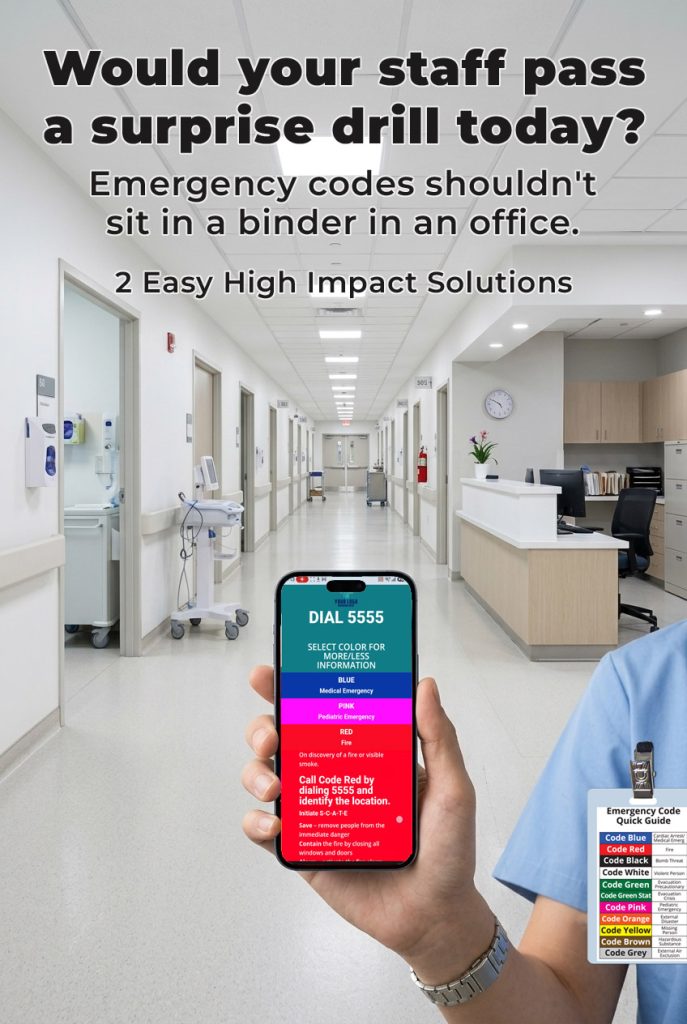
- Equipment Check: Audit functionality of lanyards, badge-backer cheat sheets, and emergency clipboards.
- Corrective Action Plan: Document any delayed response times or unassigned zones with targeted re-training dates.